A harmonic brain between
your keys and your DAW.
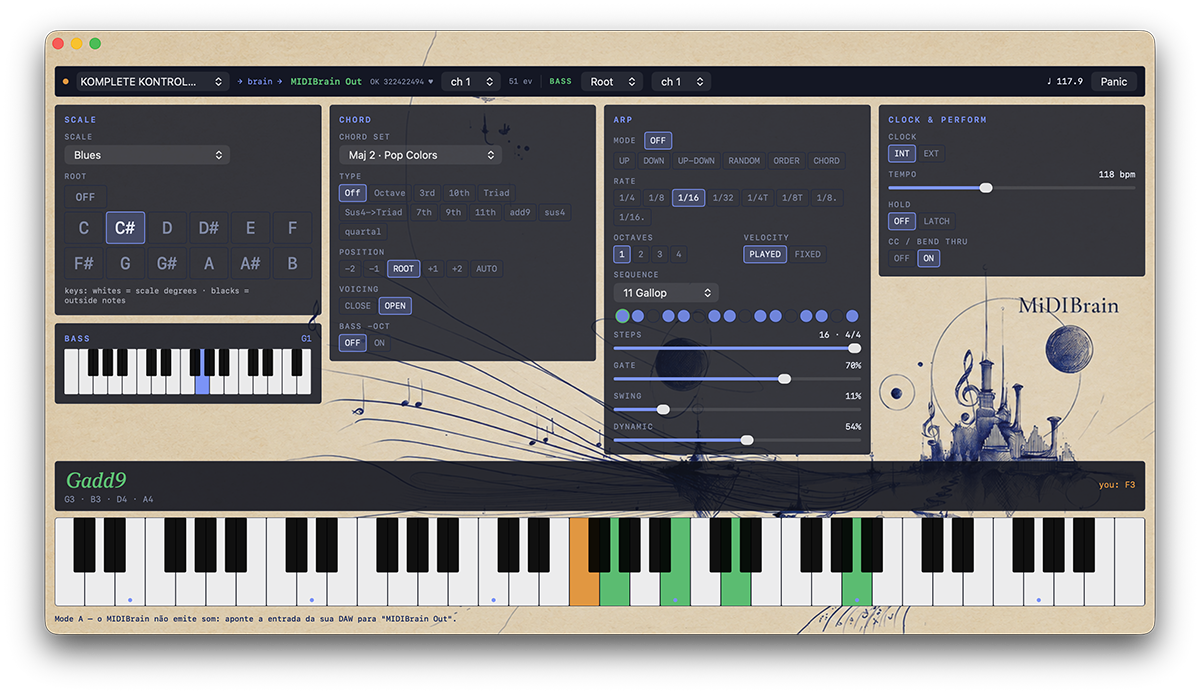
MIDIBrain re-tunes your keyboard to any scale, plays real chord palettes under single keys, arpeggiates in odd meters — and writes its own counterpoint bass while you play.
What it is — and what it deliberately isn't.
MIDIBrain is a real-time MIDI processor. It sits between your controller and your music software, listening to what you play and answering with what you meant: notes locked to a scale, full chords with proper voice leading, arpeggios that breathe, and a bass line that argues politely with the arpeggiator.
It makes no sound of its own — that is the design, not a limitation. MIDIBrain
publishes a virtual CoreMIDI source called MIDIBrain Out, which every
DAW and standalone synth on your Mac sees as if it were a hardware keyboard.
Logic, Cubase, Ableton, Kontakt, your modular's MIDI interface: point their input
at MIDIBrain, and your own instruments become the voice of the brain.
Everything is played live. Nothing is quantized to a grid you didn't choose, nothing is generated behind your back — every note that leaves the brain began with your finger.
Six panels. One musical argument.

Toolbar
In → brain → out.
The signal path, spelled out. Choose your controller on the left (or listen
to all of them), watch the event counter climb, pick the MIDI channel your
chords leave on — and set the BASS voice and its own
channel right beside it. Panic (or Esc) sends
all-notes-off everywhere, instantly.
Scale
The keyboard, re-tuned.
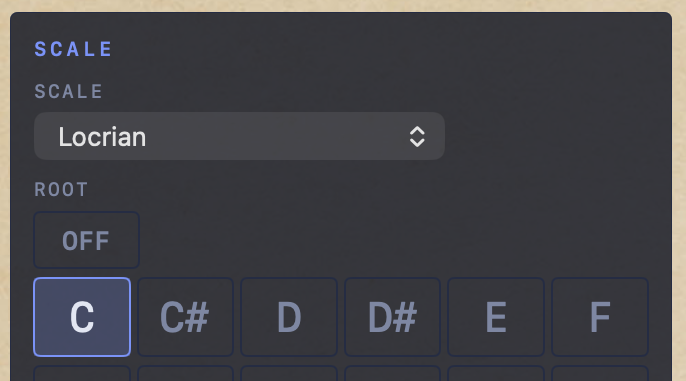
Pick any of 29 scales — from Ionian to Hirajoshi to Messiaen — and the keyboard itself is remapped:
- White keys become the scale degrees, side by side. You can't play a wrong note on the whites.
- Black keys carry the notes outside the scale, in order — dissonance stays under your fingers, on purpose.
- OFF is one click away: the raw chromatic keyboard, nothing intervening.
In C major the map is the identity — every other scale simply becomes "playing in C", with the spice always on the blacks.
Chord
Palettes, not presets.
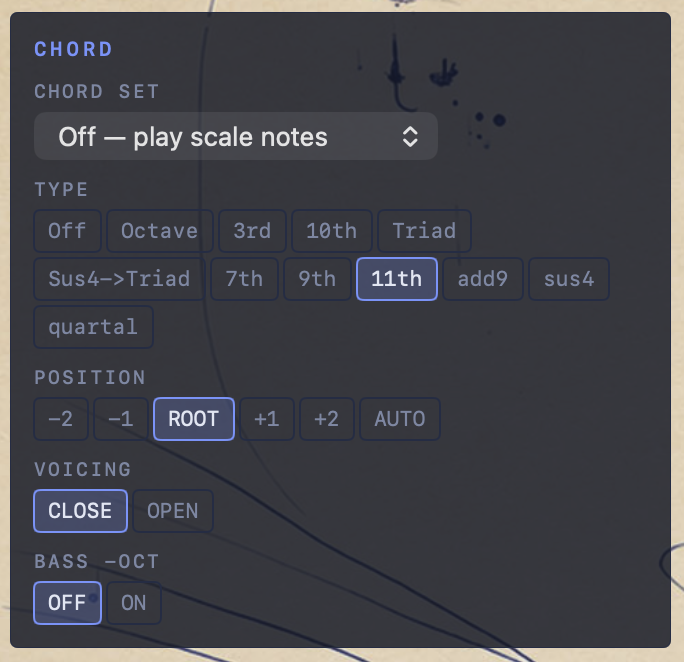
24 chord sets. The 16 Major/Minor palettes are functional harmony:
each white key plays the chord of its degree — I major, ii minor, V dominant,
vii diminished — mixed the way a player comps: add9s, slash chords like
C/E, sus4 that wants to resolve, secondary dominants. Palettes
climb from simple triads to jazz reharmonization. Black keys play passing
colors. The 8 Cinema sets stay deliberately parallel —
trailer fifths and quartal mystery. TYPE harmonizes
diatonically instead; POSITION / VOICING / BASS −OCT
shape the voicing, with AUTO voice-leading that moves as little as possible.
Arp
Clocked, swung, sequenced.
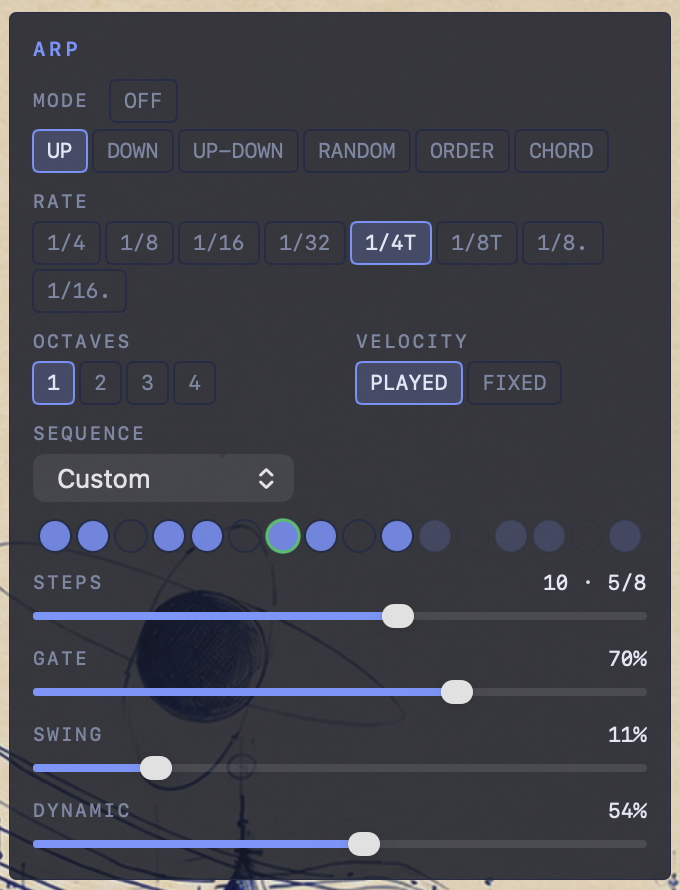
Six modes (up, down, up-down, random, order, chord stabs), eight rates including triplets and dotted values, up to four octaves.
- Velocity: PLAYED — the arp inherits how hard you struck each key; DYNAMIC then accents the downbeat on top of your touch.
- 16 factory sequences + Custom — click any dot to fork your own pattern, live.
- STEPS 1–16 — shorten the cycle for 3/4, 7/8, 5/8… or prime lengths that phase hypnotically against your DAW's 4/4.
- Gate, swing, dynamic — the humanity knobs.
Bass
A second voice that listens.
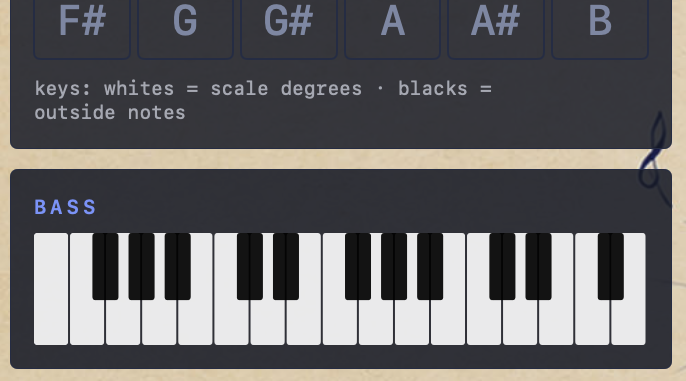
Flip BASS on and MIDIBrain writes a bass line on its own MIDI channel — same timbre or a real bass patch, your call. Root anchors fundamentals with voice-leading in true bass register. Walk adds counterpoint: it answers in the holes of your sequence, prefers contrary motion against the arp, and approaches each downbeat chromatically — walking-bass grammar, computed live. A mini keyboard in the interface shows every note the bass plays.
Clock & Perform
Time, held or borrowed.
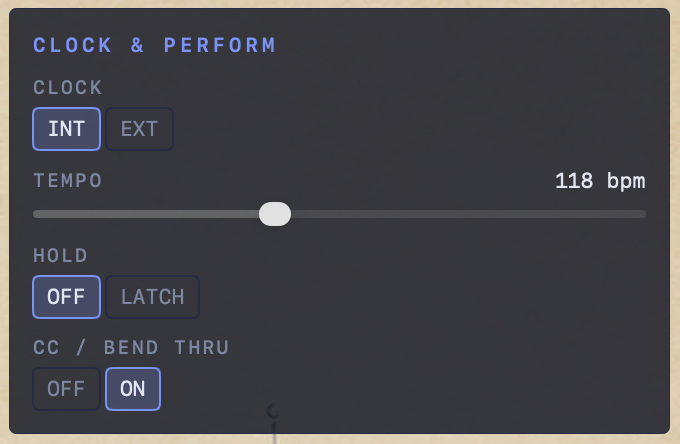
INT runs the arp from the built-in tempo. EXT follows MIDI clock from your DAW — press play in Logic and the arp realigns to beat one. HOLD / LATCH keeps chords sounding after release; a new chord replaces the old. CC / BEND THRU passes your wheels, aftertouch and pedals straight through, remapped to the output channel so everything arrives together.
From download to first chord in two minutes.
Launch MIDIBrain.
The moment it opens, a virtual MIDI source named
MIDIBrain Out exists on your system. No drivers, no setup.
Point your DAW at it.
In Logic Pro: select a software-instrument track → in the Inspector, set
MIDI In Port to MIDIBrain Out. In Cubase, Ableton or
any other host: choose MIDIBrain Out as the track's MIDI input.
Tip: disable your controller's direct input on that track so notes
don't double.
Play. Then pick a scale.
Choose a scale and a root in the SCALE panel. White keys are now the scale; black keys are the outside notes. Try Dorian in G — then bite a black key mid-phrase and hear the dissonance land exactly where you asked for it.
Put a palette under one finger.
Open CHORD SET and choose
Maj 2 · Pop Colors. Play white keys one at a time: each is a
different chord of the harmony — including the slash chords and the sus4 a
session player would reach for. The readout names every chord as it sounds.
Set it in motion.
Turn the ARP on (UP, 1/16), hold a chord, and click the sequence dots to carve your own pattern. Drag STEPS to 12 for a waltz, 10 for 5/8 — the cycle, the accent and the bass all follow.
Give it a bass player.
In the toolbar, set BASS to Walk on
channel 2. Create a second track in your DAW filtered to channel 2 with a
bass sound. Play — and listen to the counterpoint answer you in the gaps.
If anything ever hangs: Esc. Silence, everywhere, instantly.
Asked, answered.
Does MIDIBrain make any sound?
No — by design. It is pure MIDI: your DAW, plugins and hardware synths are the voice. That's what makes it work with everything.
Which DAWs and synths does it work with?
Anything on macOS that can select a MIDI input: Logic, Cubase, Ableton Live, Reaper, Pro Tools, Bitwig, GarageBand, standalone instruments like Kontakt or Pigments, and hardware via your MIDI interface.
Can it follow my project's tempo?
Yes. Set CLOCK to EXT and send MIDI clock from
your DAW — the arp locks to your tempo, and pressing play realigns it to
beat one.
Does it collect any data?
Nothing. No accounts, no analytics, no network access. Your settings are stored locally on your Mac and never leave it. Details in our privacy policy.